PrivyFeed
Local-first AI RSS reader
Overview
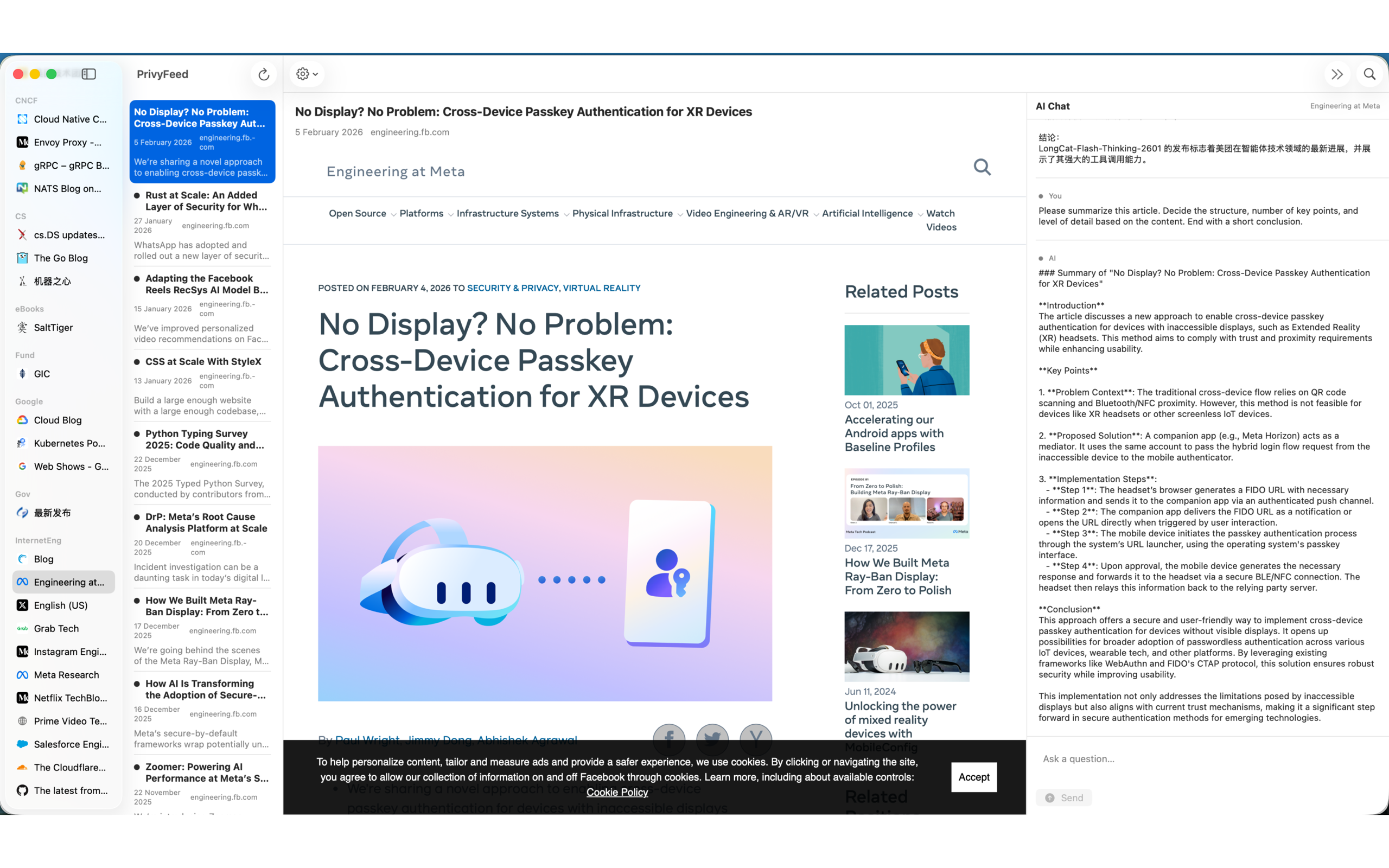
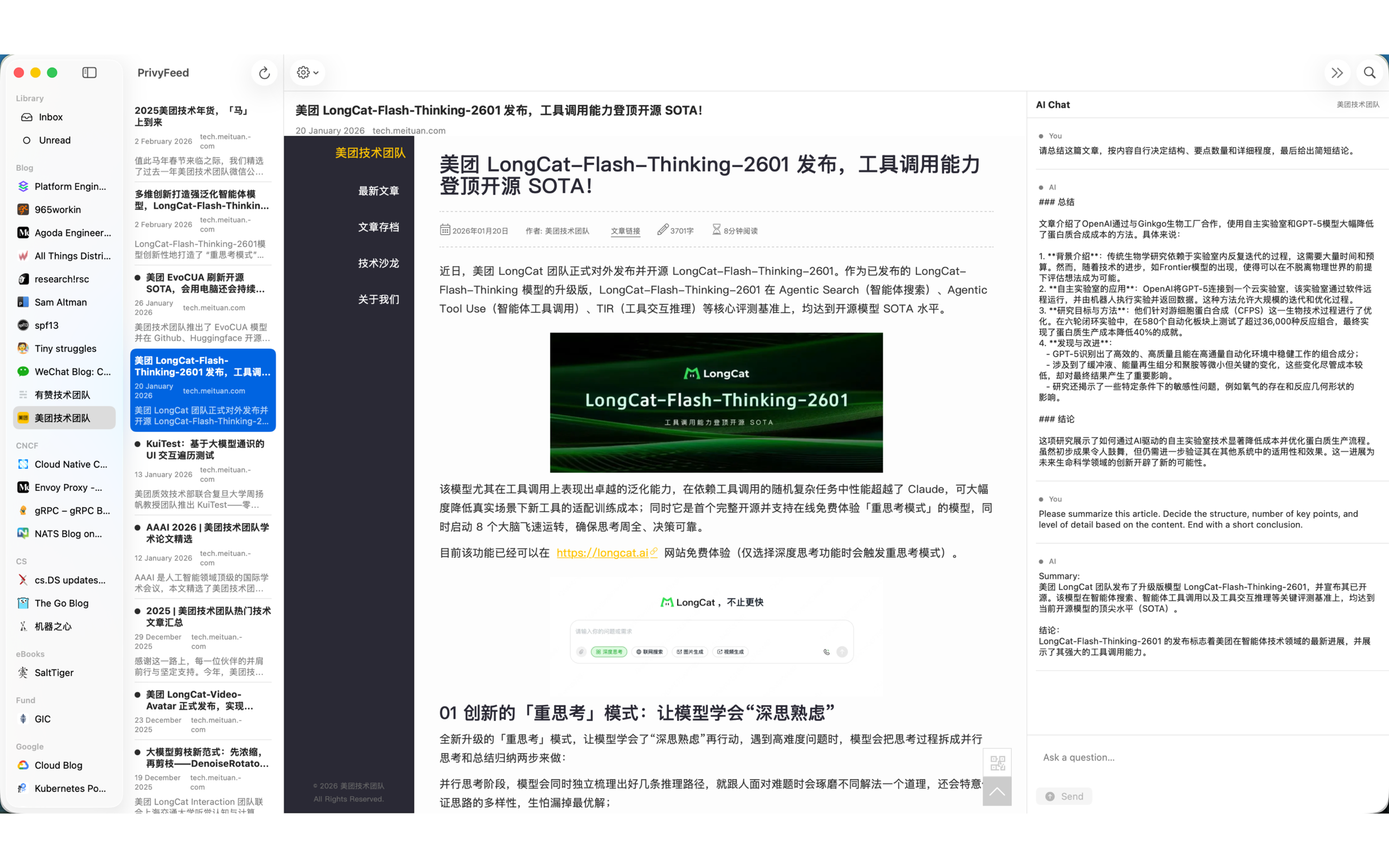
PrivyFeed is a private, local-first AI RSS reader for macOS. Your feeds, your articles, your AI—all on your device. No cloud, no tracking, no account required.
Features
- RSS subscription management — Add feeds via URL or OPML import
- Local reading — Articles and content stored on your Mac
- Ask this Feed — Feed-level Q&A powered by local Ollama models
- Semantic search — Find content across your subscriptions
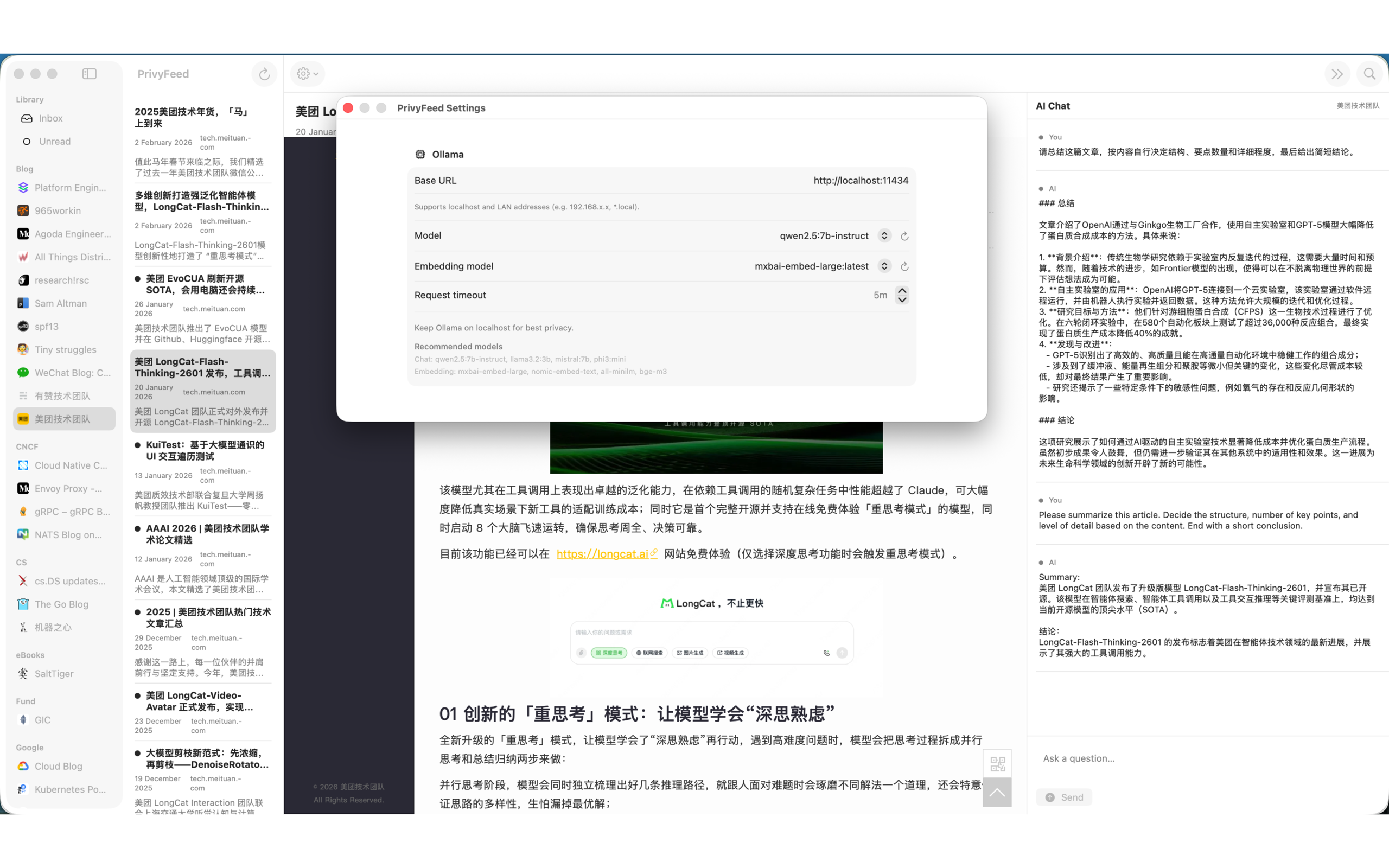
- Configurable AI — Choose your chat and embedding models
- No account required — No sign-up, no cloud sync, no tracking
Privacy First
PrivyFeed stores everything locally. Your subscriptions, article content, and AI embeddings never leave your Mac. AI processing runs entirely through Ollama on localhost—no data is sent to external AI services.
PrivyFeed Pro
PrivyFeed Pro is designed for power users and researchers who need deeper AI capabilities. It unlocks cross-feed knowledge queries, persistent knowledge assets (notes, digests, insights), and full control over AI and indexing strategies.
Free vs Pro
| Capability |  Free Free |  Pro Pro |
|---|---|---|
| Single-feed Ask Feed | ✅ | ✅ |
| Multi-feed / Group Ask | ❌ | ✅ |
| Ask limit | 100 / day | Unlimited |
| Save Q&A results as Notes | ❌ | ✅ |
| Daily / Weekly Digest | ❌ | ✅ |
| Subscription Profile & Topic Insights | ❌ | ✅ |
| Export to Markdown | ❌ | ✅ |
| Advanced Model Config (temperature / max tokens) | ❌ | ✅ |
| Embedding Model Switching | ❌ | ✅ |
| Index Capacity & Strategy Control | ❌ | ✅ |
Multi-feed / Group Ask
Ask questions across your current group or hand-pick multiple subscriptions to query at once. Every answer includes source references so you can trace insights back to the original articles.
Knowledge Retention
- Save as Notes — Persist any Q&A result for future reference
- Digest Generation — Produce Daily (24 h) or Weekly (7 d) digests on demand
- Topic Insights — Generate trend analysis across your subscriptions
- Markdown Export — Export notes, digests, and insights as Markdown files
Configurable AI
- Temperature & Max Tokens — Fine-tune AI response style and length
- Embedding Model — Switch between embedding models to suit your needs
- Index Strategy — Choose between Fast, Balanced, or High Recall indexing modes
- Index Capacity — Set per-subscription index size limits for better resource control
Requirements
- macOS 13.0 or later
- Ollama (optional) — For AI features like summarization and Ask this Feed. Download at ollama.ai
Screenshots